WooCommerce Push Notifications: A Practical Starter Guide
Learn where browser push fits beside email and SMS, and how to use it for return traffic without overwhelming shoppers.
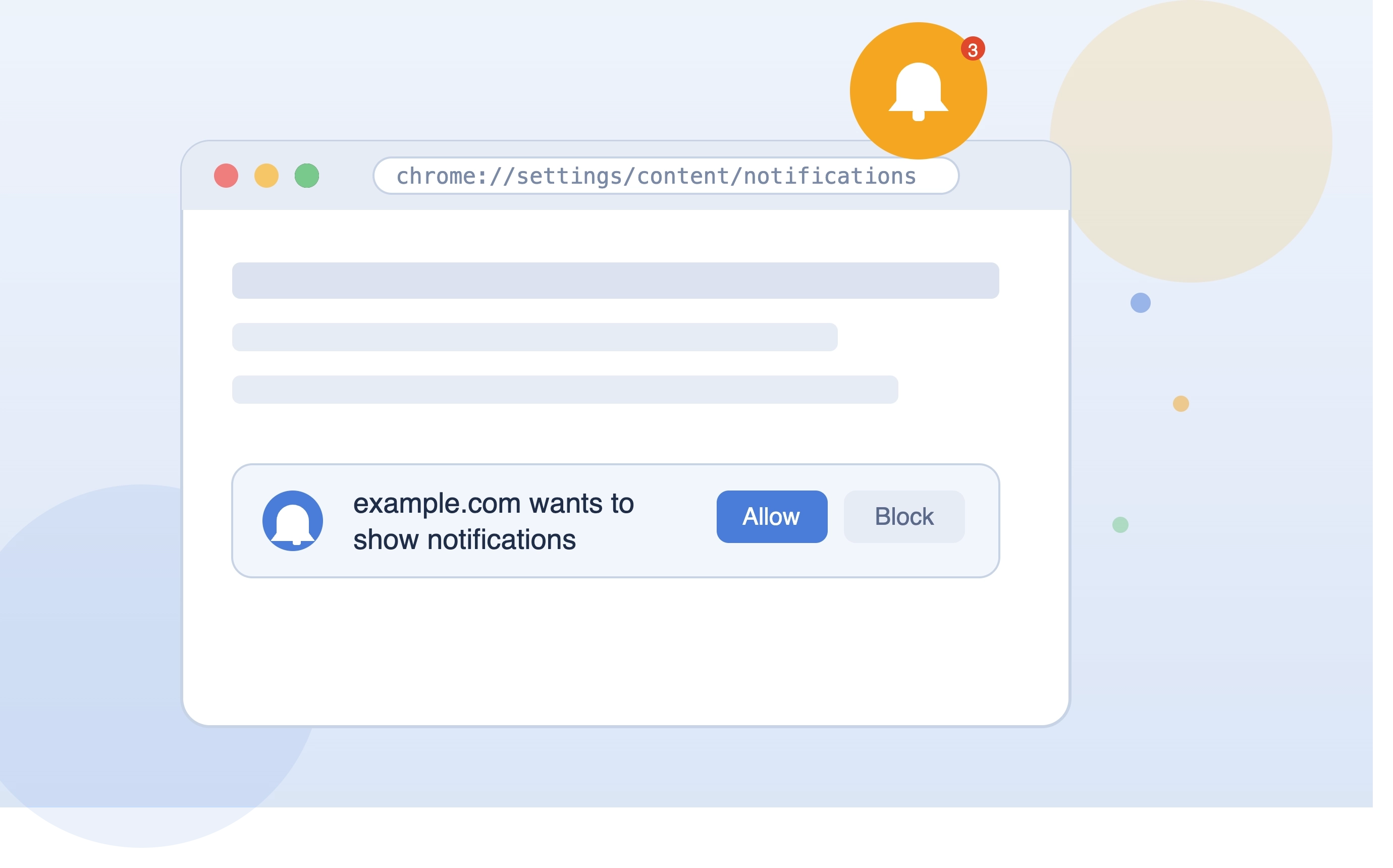
WooCommerce push notifications
Browser push gives WooCommerce stores a permission-based way to bring shoppers back without waiting for email opens.
Where push works best
Use push for moments where timing matters:
- cart reminders
- back-in-stock alerts
- product drops
- coupon deadlines
- shipping or order updates
Keep campaigns focused
Every notification should have one job. Send shoppers to the exact product, collection, or checkout URL that matches the message.
Measure return traffic
Track delivery, clicks, and revenue so push becomes a measurable channel, not another batch-and-blast tool.